Help Paint Beyond the Void’s Zones
Help wanted: Painting maps is one of the largest remaining jobs in building Beyond the Void. It is approachable, visual work with an immediate payoff: once a raw zone map is painted, NPCs can populate their proper locations and the zone is close to playable. Join Discord and ask in development-help to claim a zone.
Tools
The project owner can generate the raw map for you. Run Text Map Painter with Python and open that raw map. The painter changes terrain characters; the zone itself defines how those characters are colored in game.
Recommended workflow
- Ask for a raw map and confirm which zone you are painting.
- Paint the outer boundary first. Work just outside the original dotted boundary so creatures spawning at the edge have room.
- Add detailed structures: building walls, caves, water, paths, and other recognizable features.
- Close borders, then use smart select to fill large unpainted interiors. Think of drawing the outline first and filling it afterward.
- Use patchy forest, sand, dry sand, grassland, and similar terrain fills for large regions. Explosion or implosion tools can break up overly uniform areas.
- For ocean zones, use the remaining-area water fill only after every land detail is complete.
- Make zone lines narrow, ideally a one-character path, so cross-zone east/west/north/south links are unambiguous.
- Walk the completed zone in game and verify every automatically placed door lines up with a wall and remains reachable.
Selection tips
Tab switches between full selection and space-only selection. Smart select fills the unpainted area inside a closed border. Radius smart selection is useful when tracing just outside dotted building boundaries.
Multi-level zones
Clearly separated floors, such as the floors of Unrest, translate well. Overlapping paths and bowl-shaped zones are harder because multiple elevations can occupy the same horizontal coordinates. Chardok and the Hole are examples where portions may need separate layers, careful compromises, or selective flattening. Discuss these zones before investing substantial painting time.
Examples
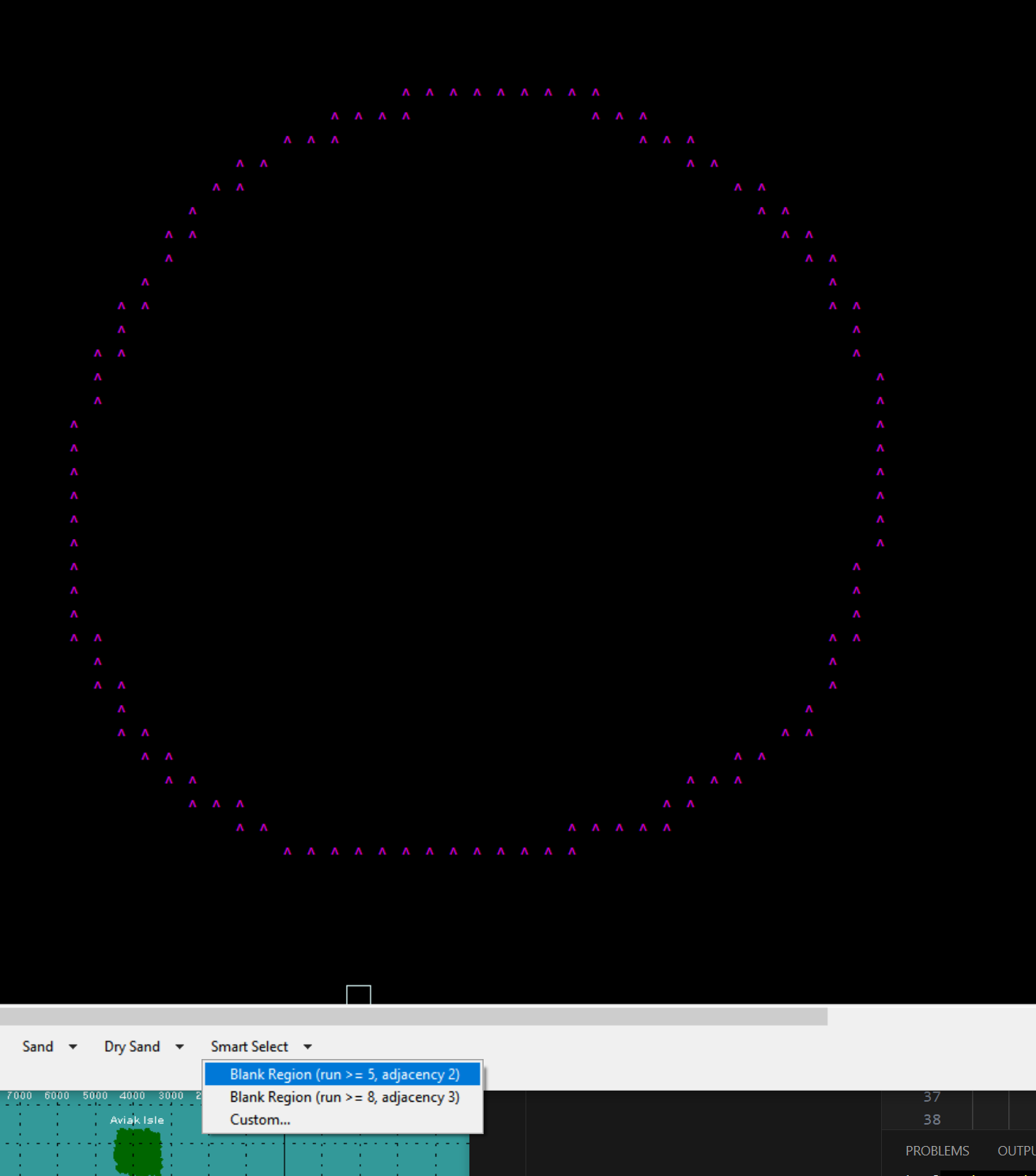
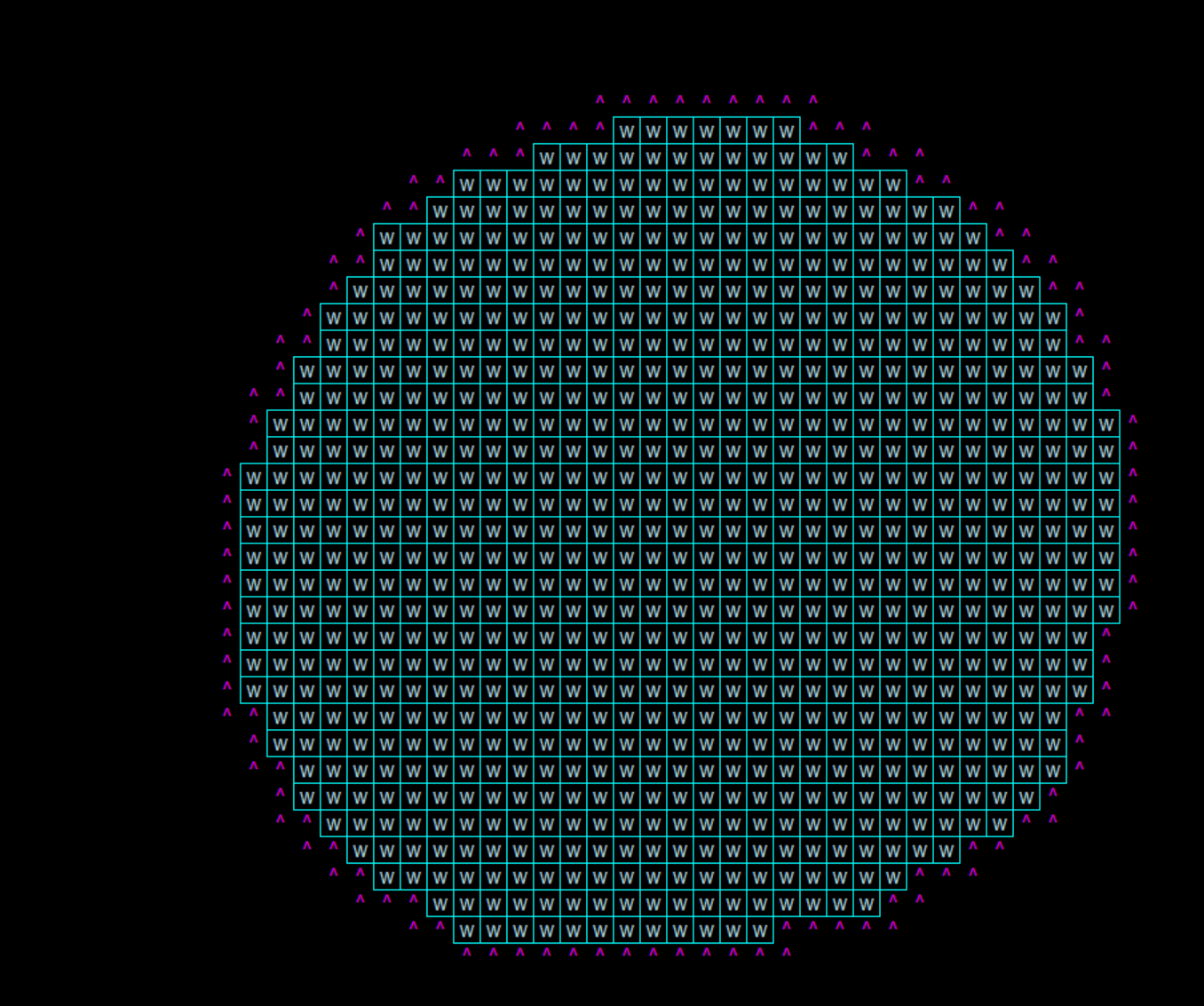
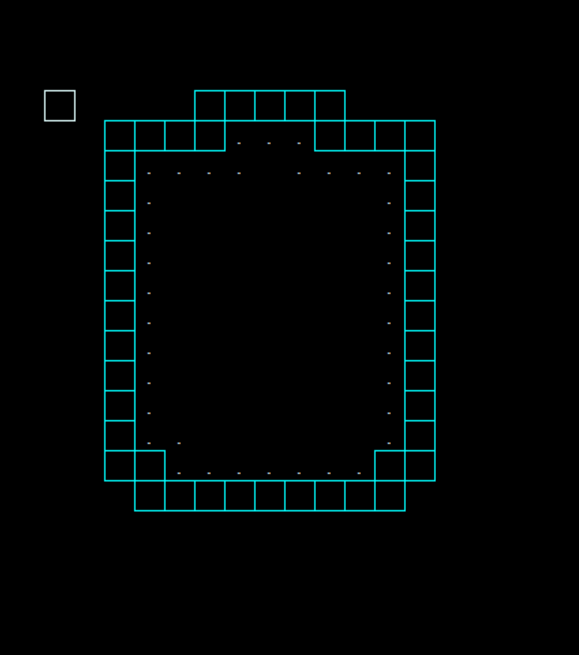
When you finish, post the painted map in development-help. A developer will integrate it and help arrange an in-game walkthrough.